
How to auto-import contacts from Google Contacts
Use the Google Contacts auto-import feature to import all contacts into Coywolf Contact effortlessly.
The best method for importing Google Contacts into Coywolf Contact is to use the auto-importer.
- Go to Settings
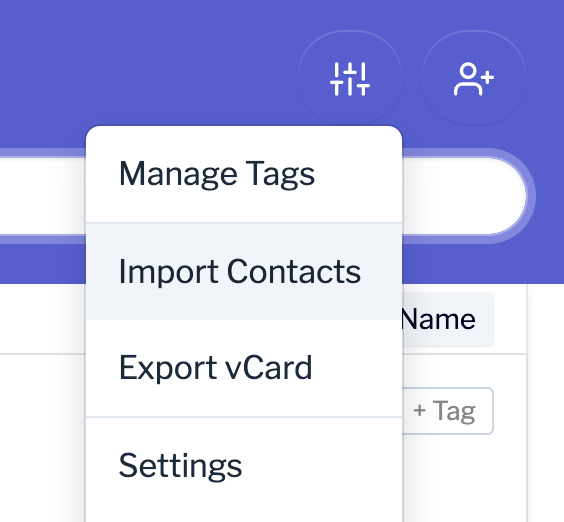
Click the Settings icon and then click on Import Contacts.
- Import Google Contacts
Click on the Import Google Contacts button.

- Choose Google Account
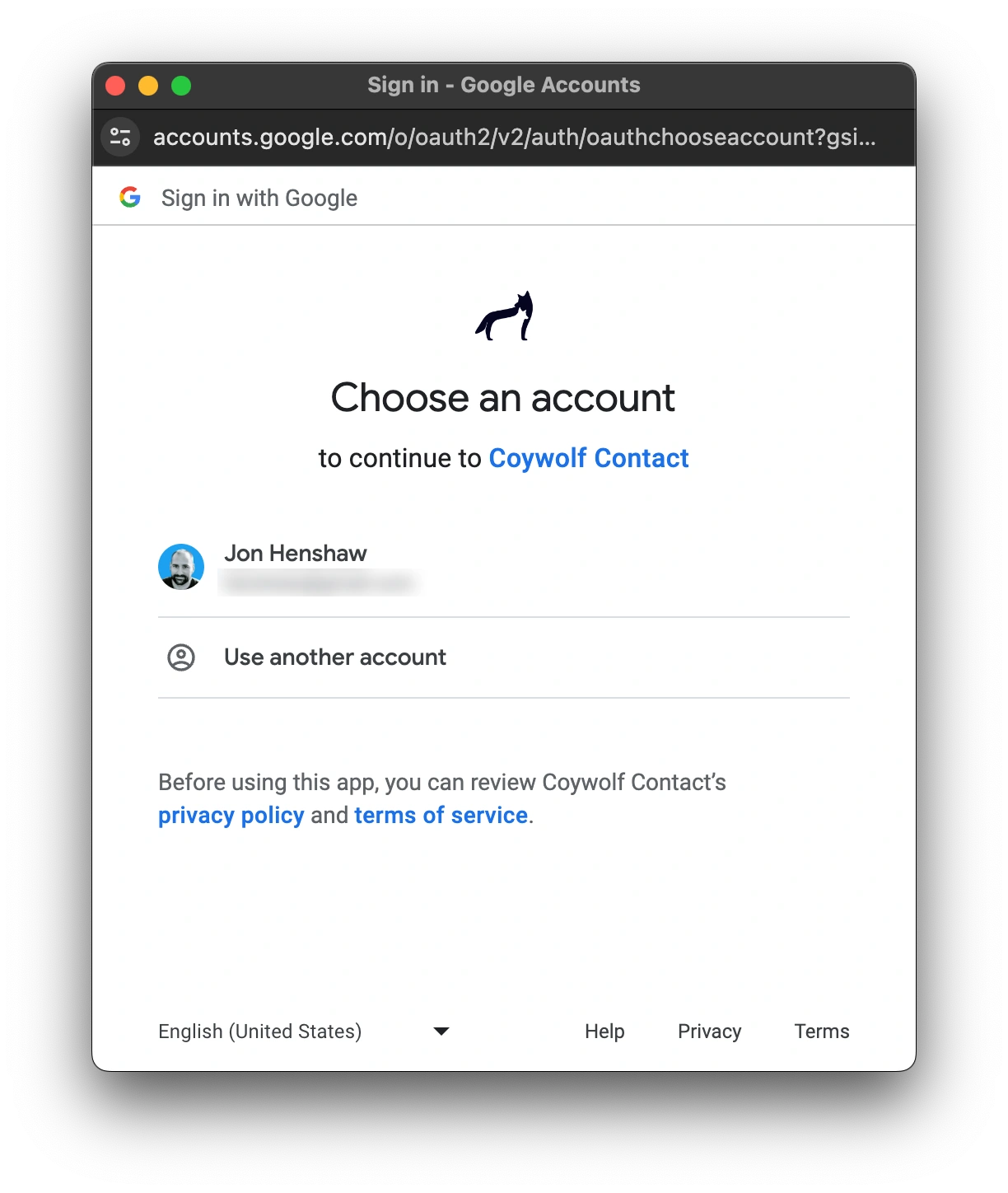
Choose or login to your Google account.
- Grant access
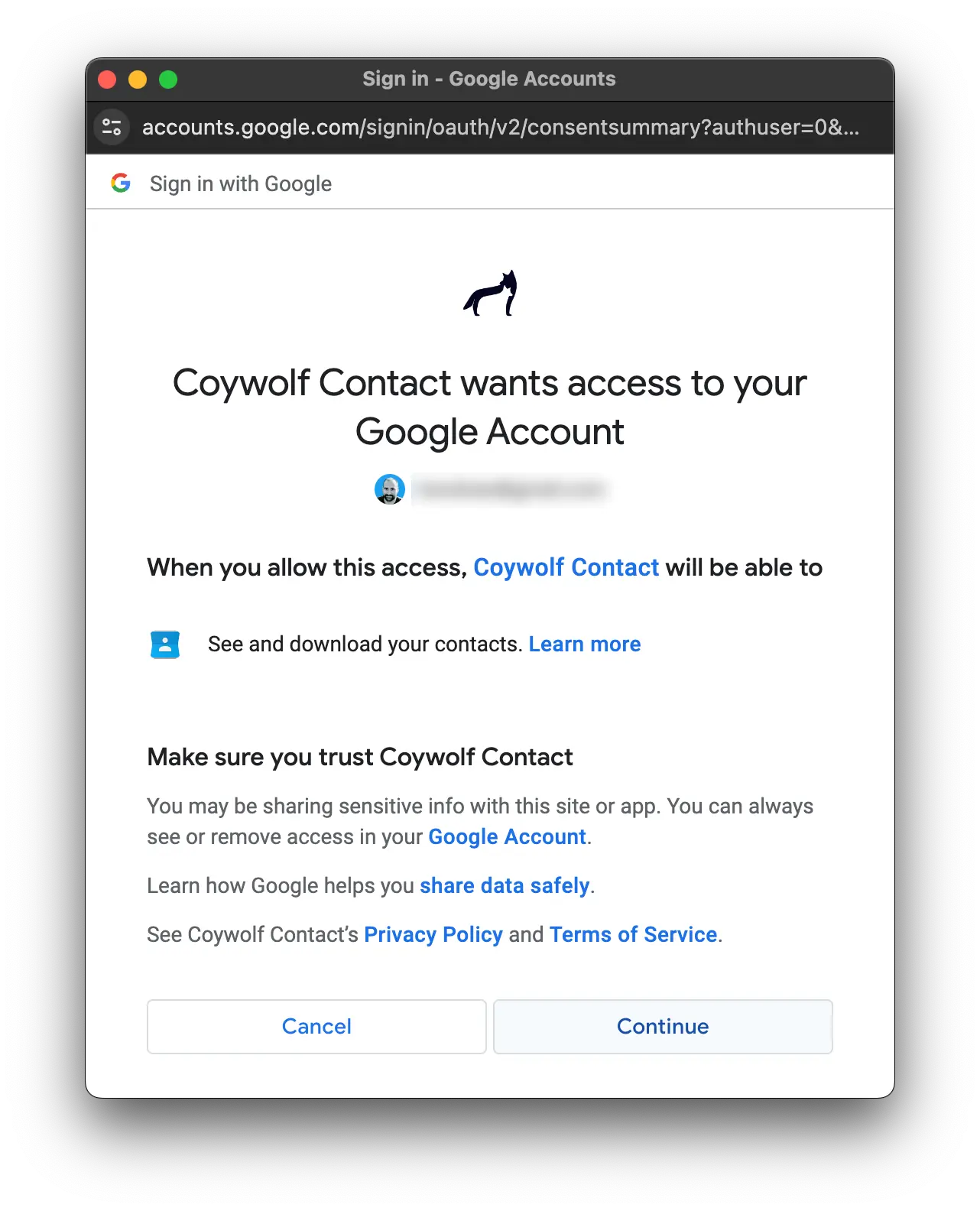
Click the Continue button to allow Coywolf Contact to auto-import contacts from Google Contacts.
- Close Settings
The import process will begin. Close Settings and wait for the auto-import to finish. Depending on how many contacts you have in Google Contacts, it may take several seconds to a minute for the auto-import to complete.

Jon Henshaw is the founder of Coywolf and an industry veteran with almost three decades of SEO, digital marketing, and web technologies experience. Follow @jon@henshaw.social